A SIP softphone that finally
feels native.
VoIPMe gives your phone a native call screen and reliable push — for the SIP account you already have, from any provider or PBX that speaks SIP. Free, ad-supported; Personal removes ads and adds TLS-encrypted signalling and HD audio.
Free plan · Sign in with Apple or Google · Bring your SIP account
Everything a softphone should be.
No legacy UI. No 12-tab settings screen. The features you actually use, surfaced where you'd expect them.
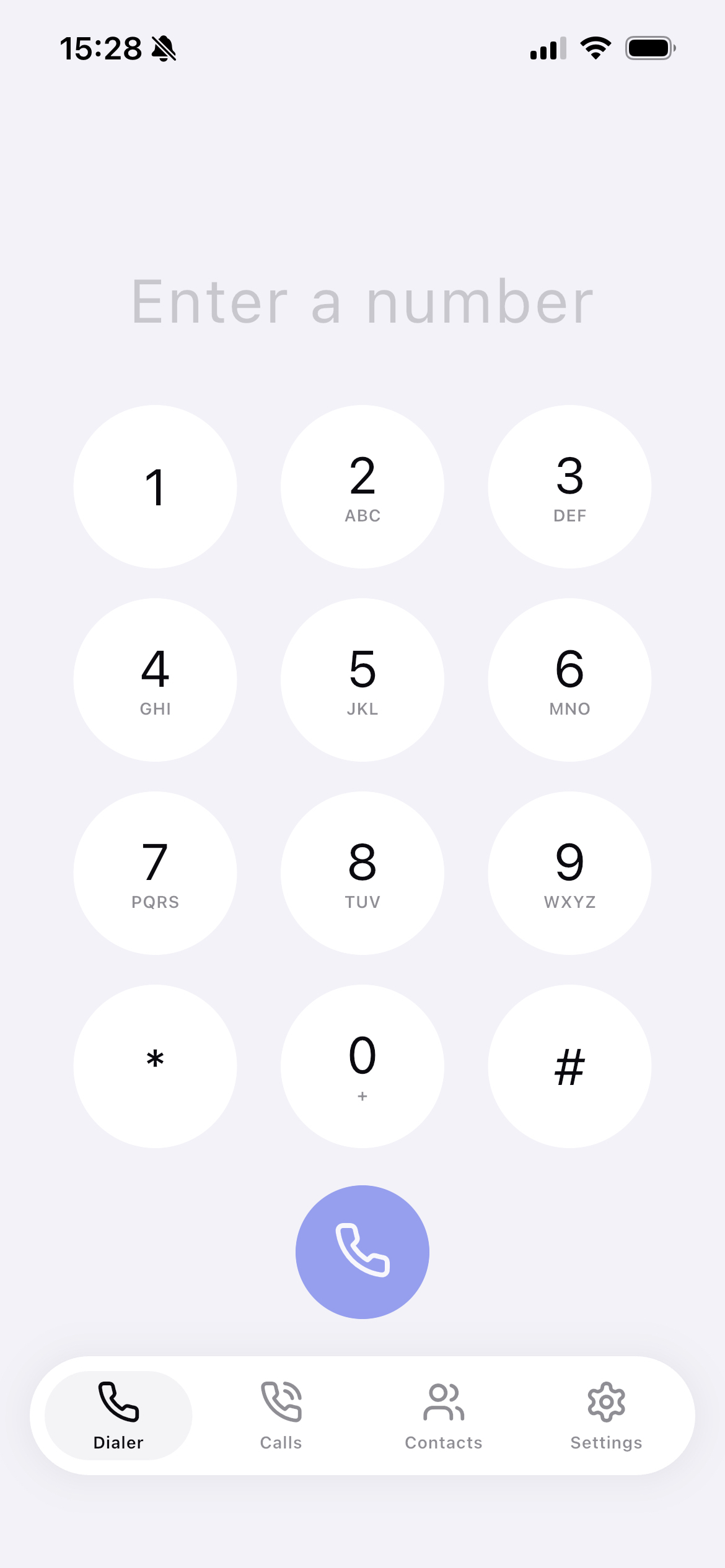
Native call screen
Incoming calls show your phone's system call UI — even on the lock screen. Mute, hold, speaker work from the lock screen and from in-car displays.
Push notifications
Wakes the app via your platform's push system so you never miss a call. No keep-alive battery drain, no background-fetch lottery.
TLS signaling
Encrypted TLS signalling with real certificate validation over OpenSSL 3.3, on paid plans — so your SIP credentials and call setup don't travel in cleartext.
HD audio
Wideband Opus HD audio on paid plans, with G.711 (PCMU/PCMA) fallback for PSTN. Echo cancellation and AGC included.
Bring your own SIP
Connect the SIP account you already have — any provider or PBX that speaks SIP. A few fields and you're registered. Unlimited SIP accounts, even on the free plan.
No call recording
We never record your calls or listen to your audio. Calls go straight between your phone and your provider and never touch our servers — we only relay the wake-up push for incoming calls.
From install to first call in a couple of minutes.
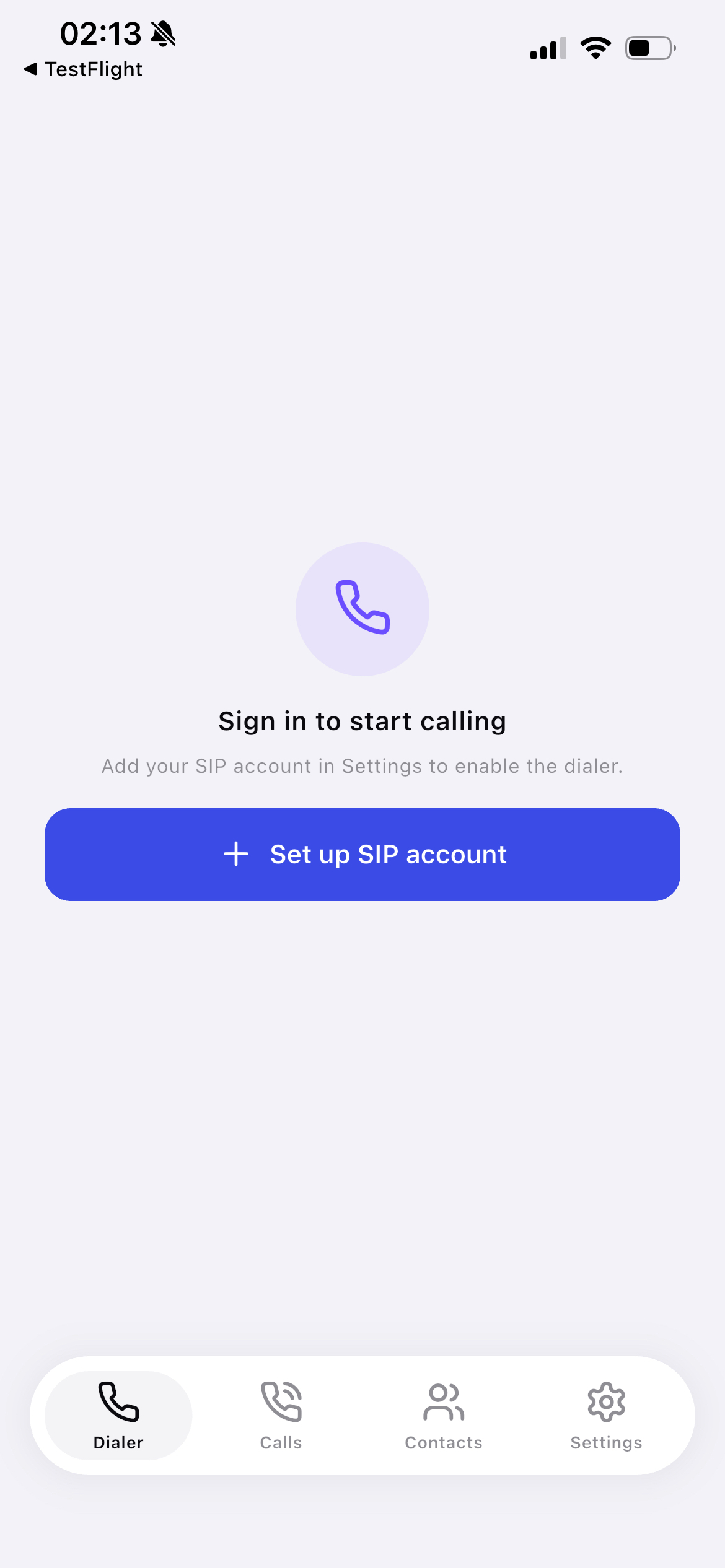
Sign in, connect the SIP account you already have, and dial. No per-seat setup, no new number to learn.
- 01
Sign in
Create your account with Apple or Google. No long form, no verification email — you're in within seconds.
- 02
Connect your SIP account
Add the account you already have from any provider or PBX — server, username, password, transport (TLS on paid plans). The status turns green when you're registered.
- 03
Call — and ring even when closed
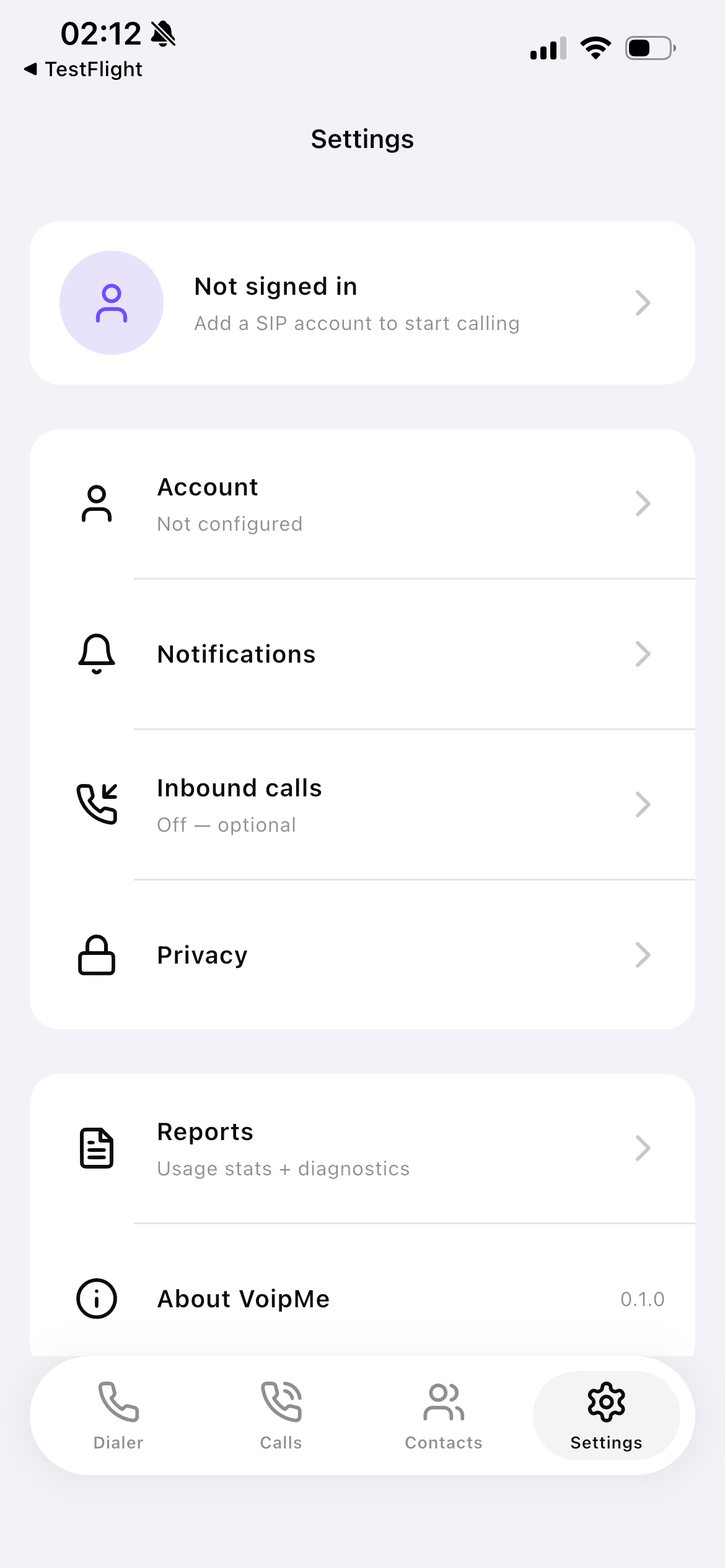
Outbound and, while the app is open, inbound calls work right away on the native call screen. To ring while the app is closed, copy your webhook URL from Settings → Inbound calls and set your provider's inbound flow to: webhook → wait ~3s → forward.
Designed like the apps you actually open.
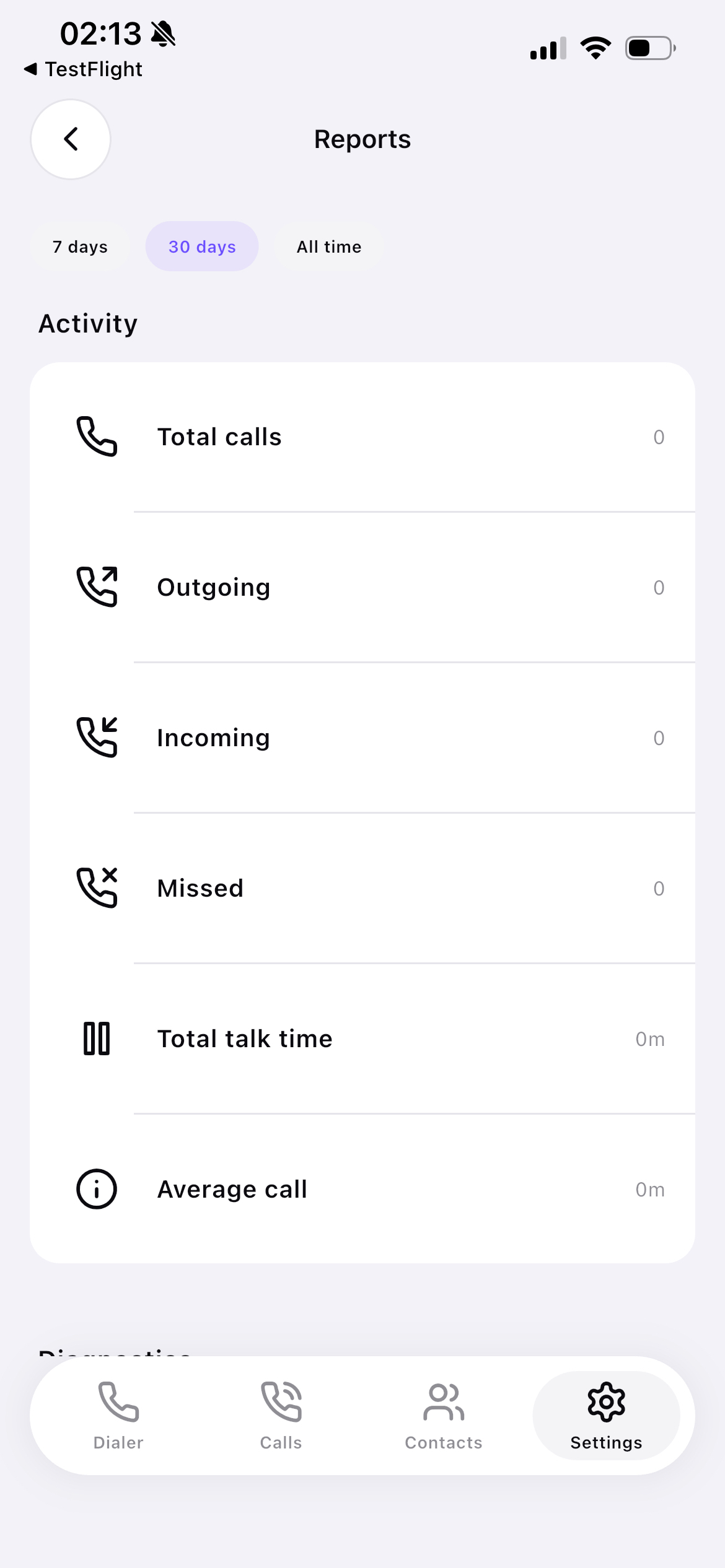
Hairline dividers, native typography, no skeuomorphic phone receivers. Real screenshots from the shipping build.
Works with any SIP provider.
VoIPMe speaks standard SIP, so there are no adapters to wait for. Outbound calls and registration work with any provider out of the box. To make calls ring while the app is closed, point your provider's inbound call-flow at your webhook URL (copied from the app). Telnyx is verified end-to-end; others work if they support a webhook → wait → forward step.
- TelnyxVerified
- BandwidthStandard SIP
- TwilioStandard SIP
- PlivoStandard SIP
- SignalWireStandard SIP
Don't see yours? Any standard SIP provider works — these are just common ones.
The honest version.
What we ship, what we don't yet, and what's on the way.
- Yes. VoIPMe is a softphone — it connects to a SIP account you provide, from any provider that speaks SIP (Telnyx, your office PBX, and others). You also sign in with Apple or Google to use the app. VoIPMe doesn't sell phone service or numbers itself.
- There's a free plan, supported by ads. Paid plans remove the ads and add encrypted TLS signalling and HD audio. Purchases go through the App Store, Google Play, or PayPal — we never see your card. Your actual call charges come from your SIP provider, not from us.
- No. Call audio and signalling go directly between your phone and your SIP provider — they never touch our servers. We only run a small push relay that wakes the app when an incoming call arrives, and it carries the caller ID to raise the ring, never the audio.
- Yes. As long as your SIP account is connected (Settings → Inbound calls shows “Connected”), an incoming call rings on the native call screen — even on the lock screen — with no extra setup. This is the direct SIP path; the relay isn't involved.
- They can, but it needs a one-time setup with your provider, because a phone can't keep a SIP connection open in the background. Your provider has to notify VoIPMe first so we can wake the app. In the app, open Settings → Inbound calls and copy your unique Webhook URL, then configure your provider's inbound call-flow to: (1) call that Webhook URL, (2) wait about 3 seconds, then (3) forward the call to your SIP account. The webhook wakes the app and it re-registers in time to receive the forwarded call. This only works if your provider supports a webhook + wait + forward step — Telnyx is verified end-to-end; others vary.
- In the app: Settings → Inbound calls → copy the Webhook URL. It's unique to your SIP account and only lets your own device be rung, so keep it private (don't share or post it). Paste it into your provider's inbound call-flow as described above.
- iOS is live on the App Store. Android is in closed beta — tap “Request access” to join. Same app, same backend across both; full parity is the goal.
- Not yet. SIP signaling is encrypted with TLS on paid plans, but media is plain RTP. SRTP was disabled for the initial release because some PSTN gateways were rejecting our SDP offers. DTLS-SRTP is on the next-release roadmap.
Do I need my own SIP account to use VoIPMe?
Is it really free?
Do my calls go through your servers?
Will incoming calls ring while the app is open?
Will calls ring when the app is closed or backgrounded?
Where do I get my inbound Webhook URL?
Which platforms are supported?
Is media encrypted (SRTP)?
Get VoIPMe on your phone.
Available on iOS now. Android is in closed beta — tap below to request access. Sign in with Apple or Google and you're calling in a couple of minutes.
Questions? Email hello@voipme.online.